AI photo studio in your pocket
Make every
Make every
photo glow.
Sharpen blurry shots to HD, erase anything, bring black & white memories back to color, turn your selfie into a 3D animated hero or a die-cut sticker, or describe any image and let Glow Studio create it.
- 10 AI modes
- 1 tap
- 0 face data stored


Cartoonize · 3D Animated
Save to Gallery
Enhance HD
Cut-out
Sticker
Colorize
Live preview
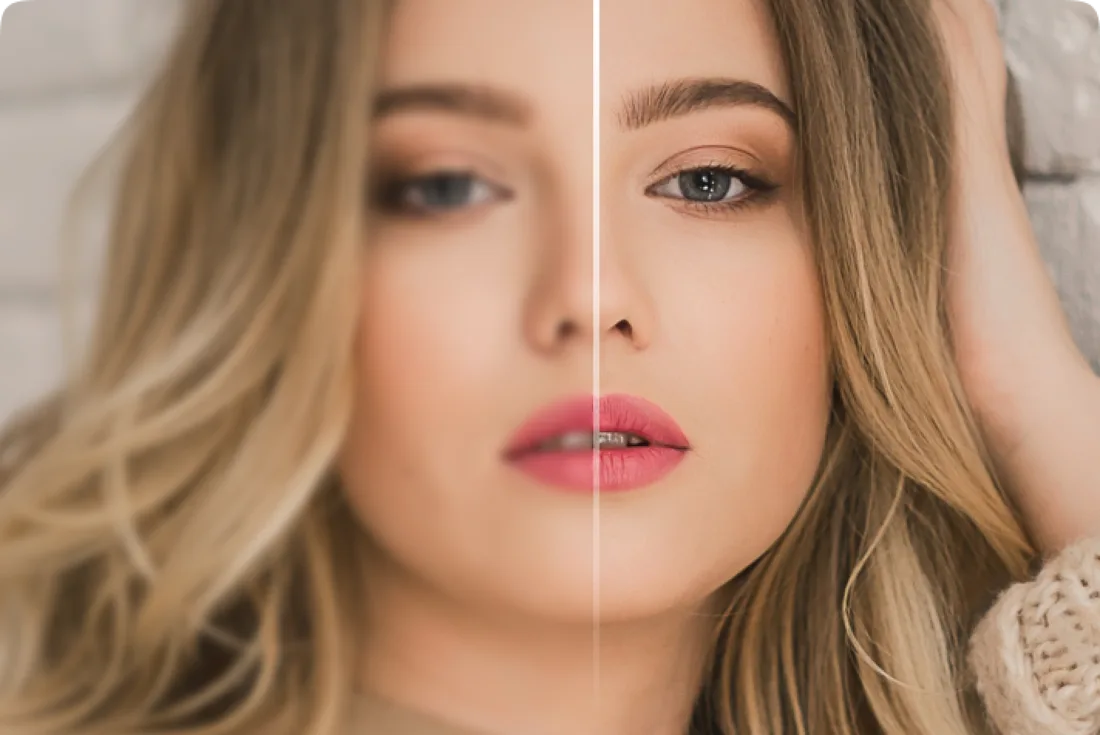
Drag. Gasp. Repeat.
Slide across any photo to see what Glow does to it.

 Before
After
Before
After
Blurry, low-res shot → crisp HD with restored facial detail.
6 tools · 10 AI modes
Everything your camera roll has been waiting for.
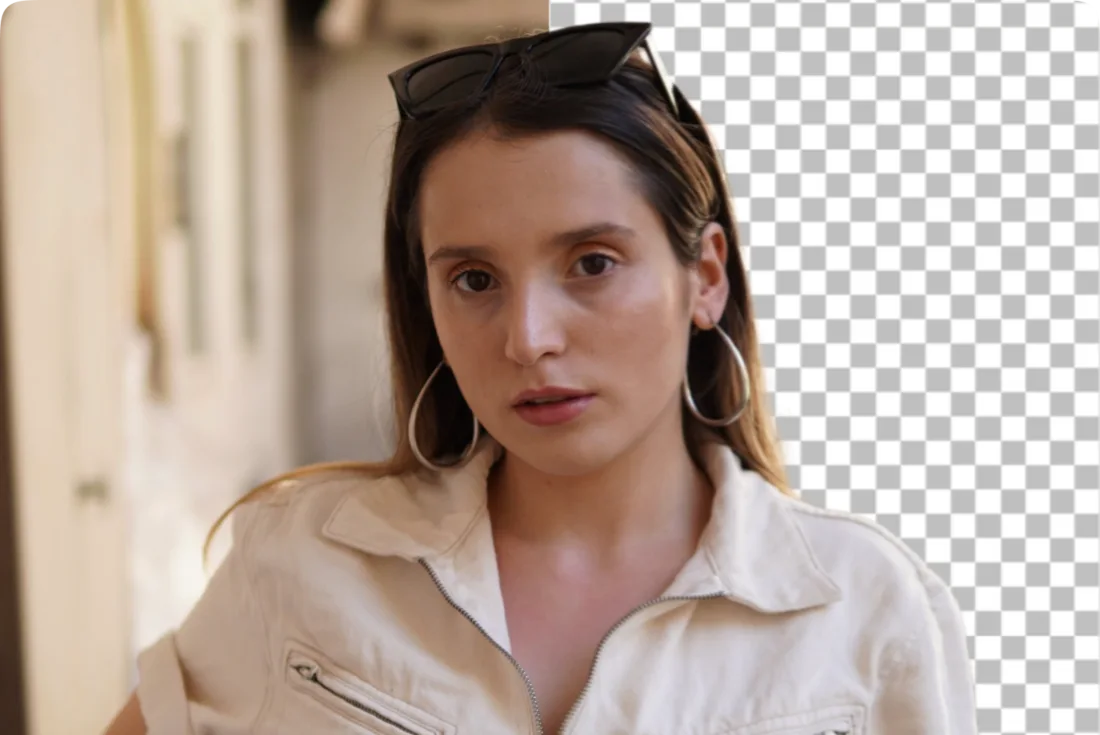



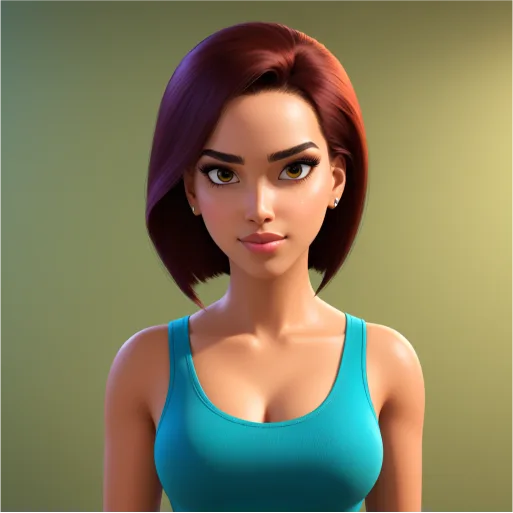

Cartoonize
Become a 3D animated hero, street legend or superhero.
Cartoon Yourself3D AnimatedStreet LegendSuper Hero



New · Glow Studio
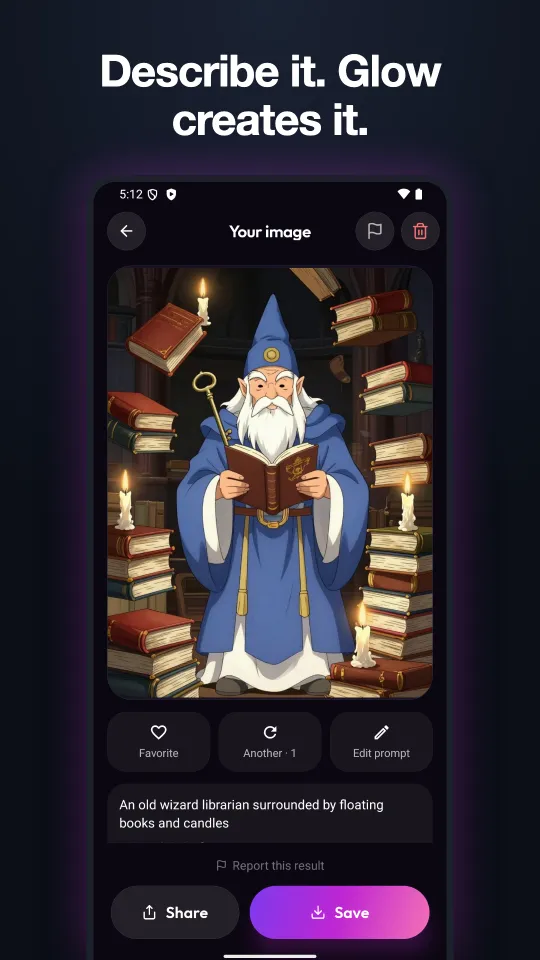
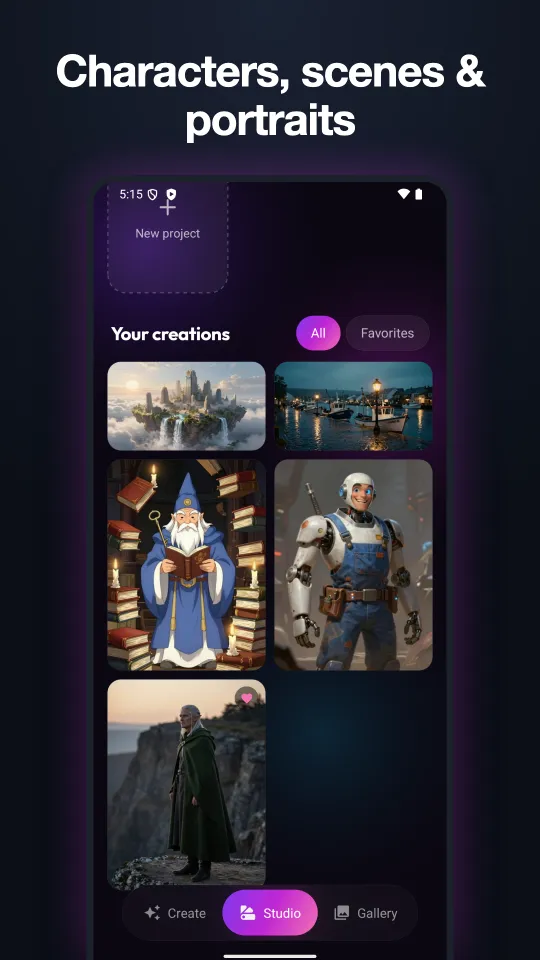
Describe it. Glow creates it.
Glow Studio is an AI image generator built into the app. Describe a character, a scene or a portrait, pick a style and a shape, and get an original image in seconds.
- 7 styles: Cinematic, Editorial, Fantasy, Anime, 3D, Noir, Watercolor
- 5 shapes, from square to 16:9 wallpaper
- 5 free credits to try it, 300 a month with a subscription
How it works
Three taps to wow.
- 01
Pick a photo
Any shot from your gallery. Clear, well-lit photos give the best results.
- 02
Choose a tool
Enhance, cut out, erase, colorize, cartoonize or stickerize. Glow's AI does the heavy lifting.
- 03
Save & share
Compare before and after, then save to your phone or share straight to your friends.
Your face is yours.
Glow doesn't collect or store face data. Each photo is processed once to create your result, and you can delete results from your Gallery any time. Read the privacy policy →
FAQ
Good questions.
Is Glow free?
Glow is free to download, and new users get 5 free Glow Studio credits. The photo tools are part of the Glow subscription: $1.99 a week, $4.99 a month or $29.99 a year on the US App Store, with no ads and 300 Studio credits a month. Cancel any time in your App Store or Google Play settings. See pricing.
What is Glow Studio?
An AI image generator inside Glow. Describe a character, scene or portrait and Glow creates an original image in the style you pick. It doesn't use your photos, and requests for explicit content or real people aren't supported. More about Studio.
What happens to my photos?
Your photo is uploaded securely, processed to create your result, and the result appears in your in-app Gallery. Glow does not collect or store face data. You can delete any result from the Gallery.
Which photos work best?
Clear, well-lit photos with a visible face give the best results for Enhance, Cartoonize and Sticker. Colorize works best on scanned black & white prints.
Where can I get Glow?
On Google Play for Android and on the App Store for iPhone.
I need help.
Email us at [email protected]. We read everything.

Glow up.
Your best photos haven't been taken. They've been enhanced.